Using Remix and Metamask
Remix is an IDE for smart contract development, including compilation, deployment, testing, and debugging.
Check out the official documentation to learn more about setting up and using Remix.
For help setting up MetaMask, please visit the official documentation.
Connecting Remix to Mix via MetaMask
Remix supports the following environments for contract deployment via Mix:
- Javascript VM
- Injected Web3
- Web3 Provider
Using MetaMask with Remix is an example of Injected Web3, which we shall discuss shortly.
- To start, go to https://remix-project.org/ and select "IDE"
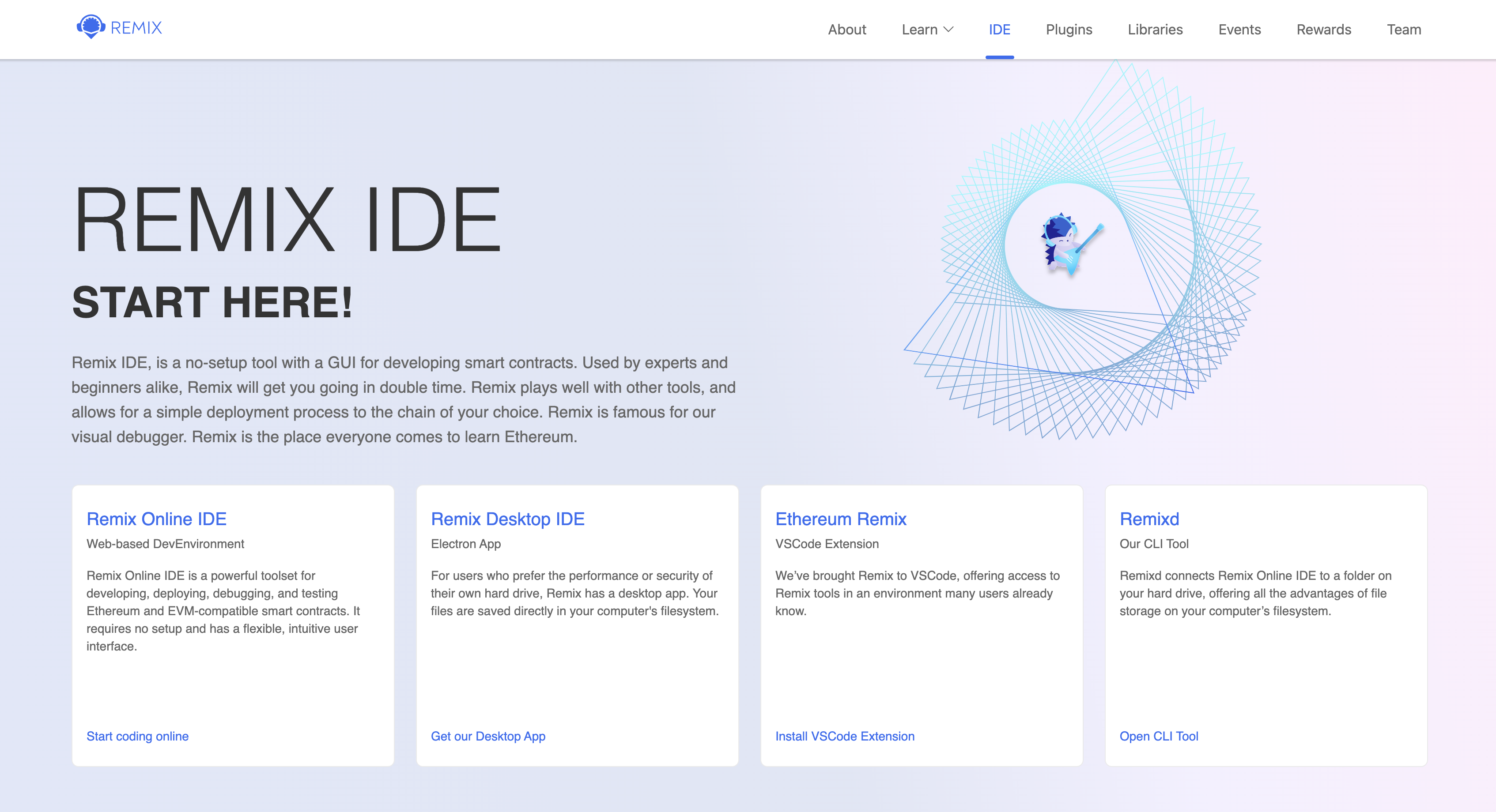
Select "Remix online IDE" option
-a4b850b0fe9638f0e90647f939092dc3.png)
Select "Deploy & run transactions" option
-da24f88fb031463c8adcf88771f5e0fe.png)
Select "Injected Provider - Metamask" option under Environment
-e9fa2e3d588b5d9baa7eb8755ea362a0.png)
Select the Metamask Account you want to connect. Make sure you selected Mix Network in the Metamask Network option.
-9a6f0ef444906274a87b1f461efe7eb9.png)
Click Connect to link your Remix IDE to Metamask with Mix network connection.
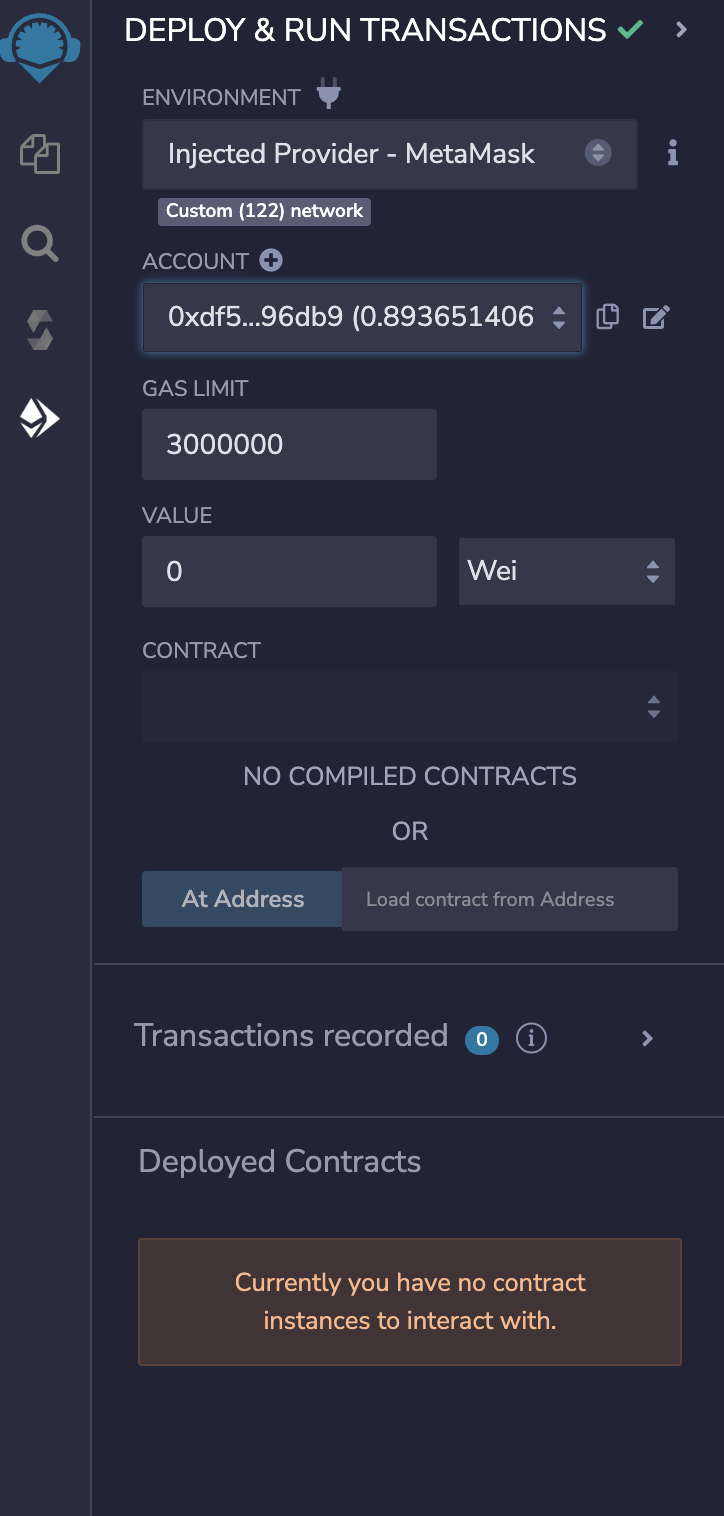
Remix IDE is successfully connected to Metamask with Mix Network connection.
Compiling your contract in Remix
-672aa8ff2114873c7d8c1757963ed61f.png)
Compiling a smart contract on Mix Network
Deploying your Contract
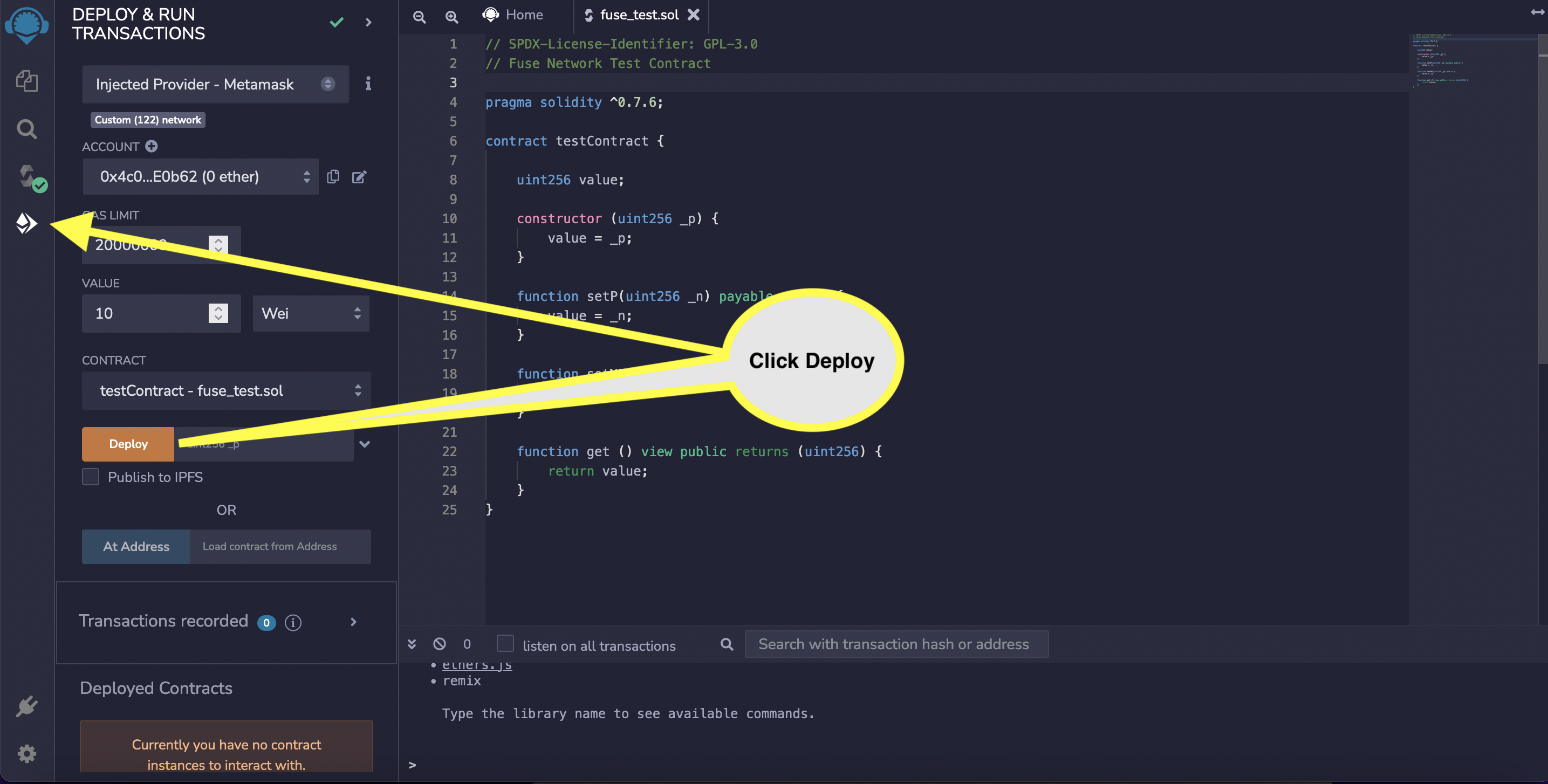
Deploying your smart contract on Mix Network
You can view your deployed smart contract transaction at Mix explorers.
Mix Mainnet Explorer is at https://miexs.com/
Mix Testnet Spark is at https://miexs.com/